16 Jan 2026
How I fixed a (small) bug in an app I use daily
The good thing about the rise of Claude Code is that you can truly scratch all your itches.
And itches are not supposed to be big world changing problems. They are stupid, they are small, they are immaterial to anyone else but you.
But it’s something you care about. Something that you couldn’t have imagined doing before. And that is liberating!
So here’s the back-story:
I had been a Pocket user for the past 4-5 years as my save-for-later app. And then Mozilla randomly decided to shut it down in July 2025.
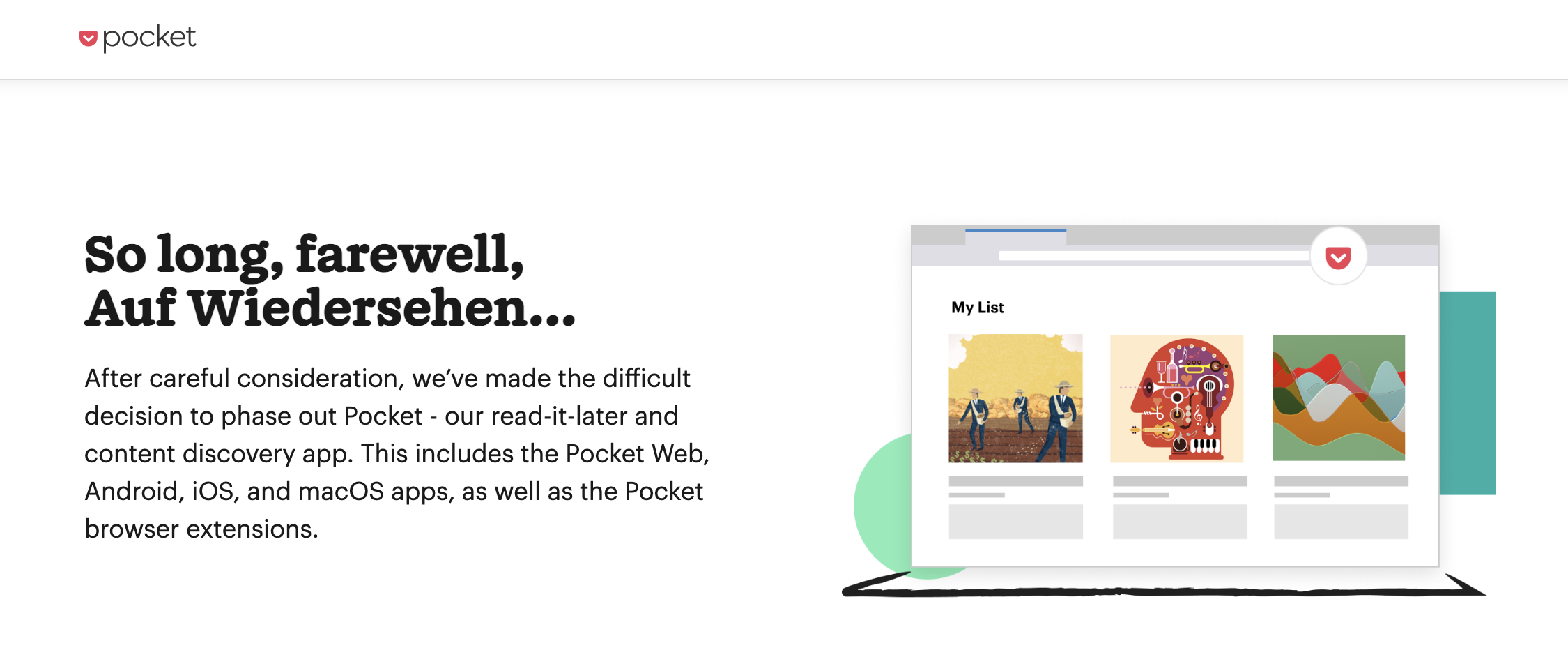
I, of course, got worried about what will happen to my bazillion saved-for-later articles/blogs/twitter-threads and all the magical information that is just waiting for me to consume and transform myself.
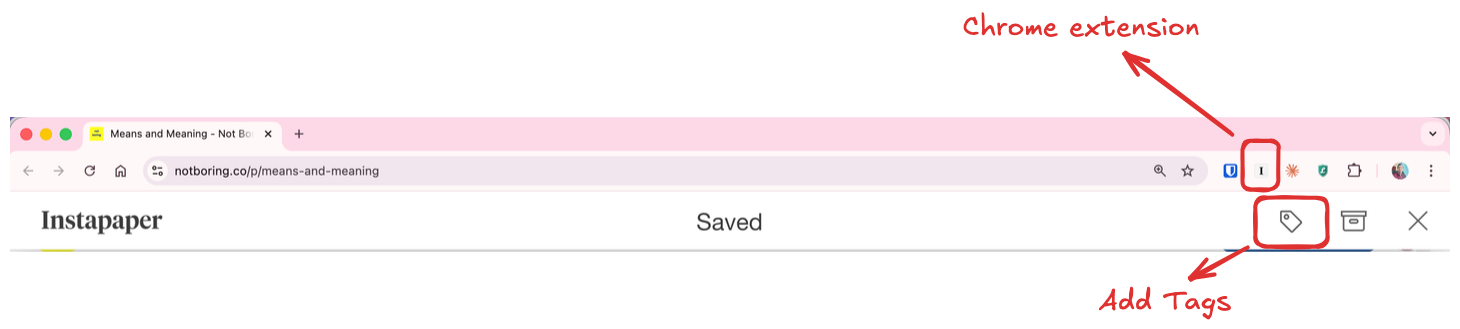
After some research, I landed on Instapaper. It has the typical chrome extension flow that you can click on and save to your read-later queue, with the ability to add tags on the link (remember tags for they are the hero of the story)
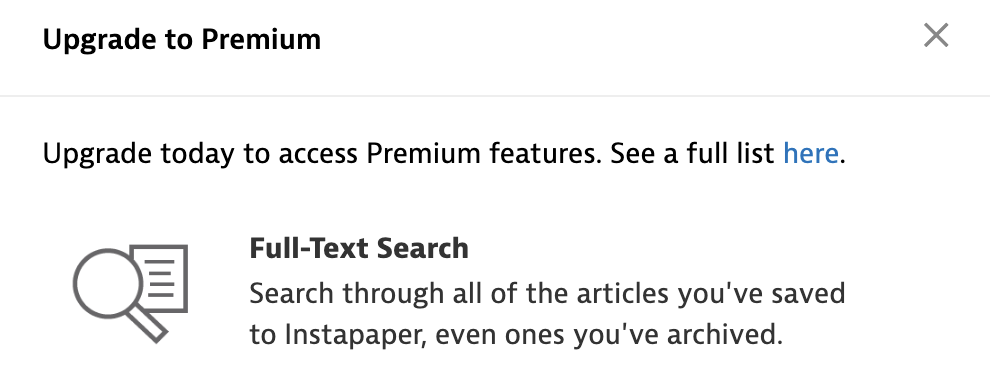
Now, Instapaper is a freemium tool that, rightfully so, blocks a few important functionalities - biggest of which is search.
The only way for me to somehow reach posts of my interest is through tags.
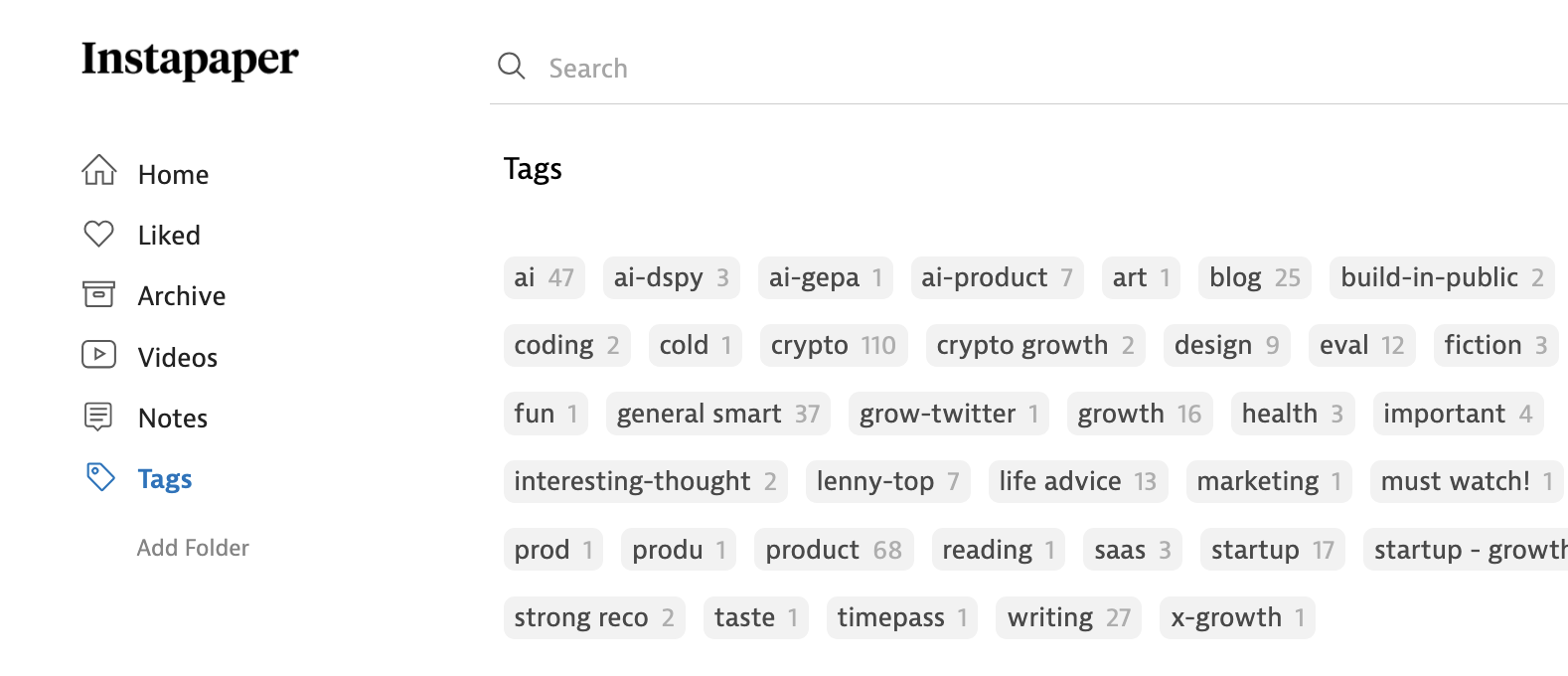
Therefore, tags are important.
The itch
For the past ~6-7 months of using Instapaper, I couldn’t understand why, when I click on the chrome extension, the tag sometime appears and sometimes doesn’t.

And then a few weeks ago, I remembered from my BlunderBuddy experience that source code of chrome extensions are just saved locally on device.
Enter my bestie, Claude. We worked through the issues and potential hypothesis were discussed / debated: race condition, async timing issue, cached state inconsistency, time out issue etc etc.
But I just couldn’t understand why it would not work randomly. There’s gotta be something!
And then the aha happened. Somewhere in the code is this small 3 line snippet that appears in the tags.js file that details the tag functionality:
var scale = window.innerWidth / screen.availWidth || 1;
if (scale > 1)
	return;
So this 3 line snippet decides that if the window scale is > 1, then the tag should not appear. This check was probably introduced to prevent tags coming when the screen is really zoomed in and not to look cramped. But it did the opposite, where it broke when it was zoomed out.
And I am a zoomed-out person, so my Chrome is at default 80-90%. With window management and sometimes using a monitor vs sometimes using the Mac screen, the scale formula above kept breaking due to the different window and screen sizes. You can easily vet this by running this js in Chrome dev tools:
console.log('Scale:', window.innerWidth / screen.availWidth);
console.log('innerWidth:', window.innerWidth);
console.log('availWidth:', screen.availWidth);
At default 90%, the scale variable comes out to be at 1.1 for my 13 inch Mac.
VM257:1 Scale: 1.1107142857142858
VM257:2 innerWidth: 1866
VM257:3 availWidth: 1680
Scratching the itch
So, now that I know the issue, I decided to just email the team and they can fix it in seconds? It’s literally just 3 lines of code.
I reached out and very promptly got a response as well. Was this going to be my FIRST ever bug merged in a public app? Is this the start of my dev journey?
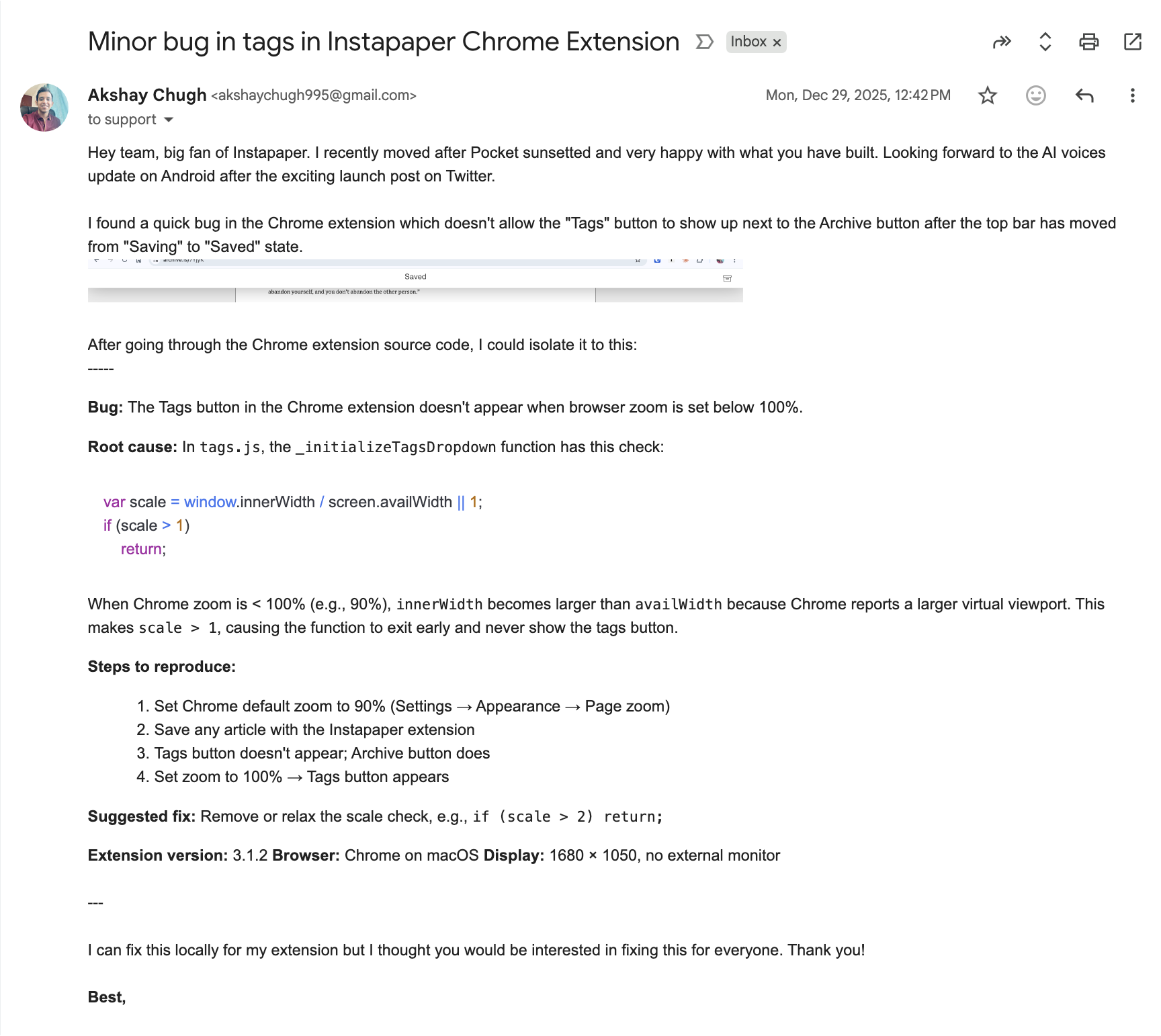
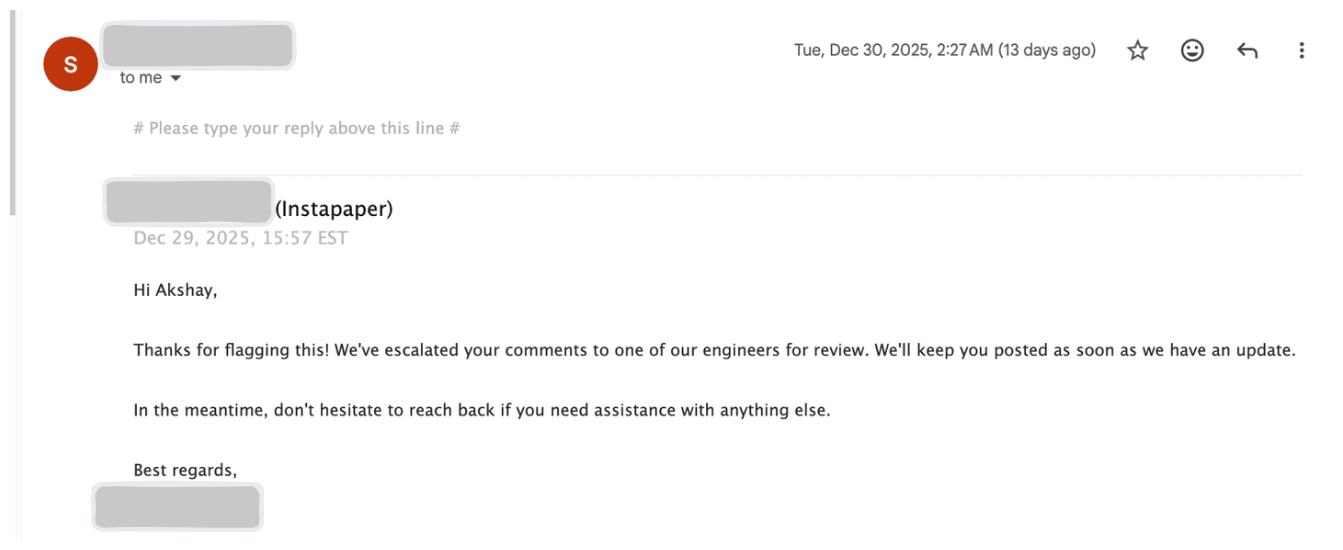
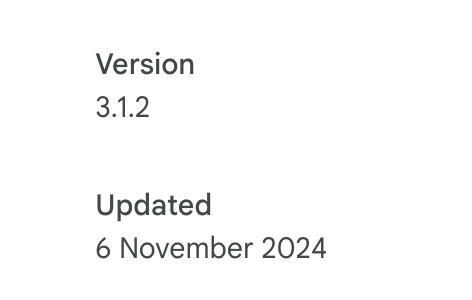
And then I waited and waited. But ofc, it was the holidays and this was a stupid small bug that no one cares about and will never be prioritised. I also realized that the Chrome extension was last updated in Nov’24, so ofc no way this thing gets prioritised.
So, I just deleted the 3 lines in my mac file. Reloaded the chrome extension. Got around to a few Chrome warnings. And voila, I don’t have to ever wonder where the tag button went!
Just the beautiful part of getting to scratch your own itch.
If you are also weird like me, found this bug and want to solve this for yourself:
- Open Chrome and go to chrome://extensions/
- Enable
Developer mode(toggle in top right) - Find
Instapaperin the list - Copy the
Extension ID(it’s a long string likeldjkgaaoikpmhmkelcgkgacicjfbofhh) - Open Terminal and run this (replace
EXTENSION_IDwith the actual ID):cd ~/Library/Application\ Support/Google/Chrome/Default/Extensions/EXTENSION_ID ls -la - You’ll see version folders (e.g.
3.1.2_0),cdinto the latest one and list all the filescd 3.1.2_0 ls -la - Open
./js/tags.js& delete this code snippet below & save the filevar scale = window.innerWidth / screen.availWidth || 1; if (scale > 1) return; - Open Chrome again and again, go to chrome://extensions/
- Click on
Detailsin the Instapaper extension and then clickLoad Unpacked - Select the same folder where you just made all the changes above. Voila, you are done!